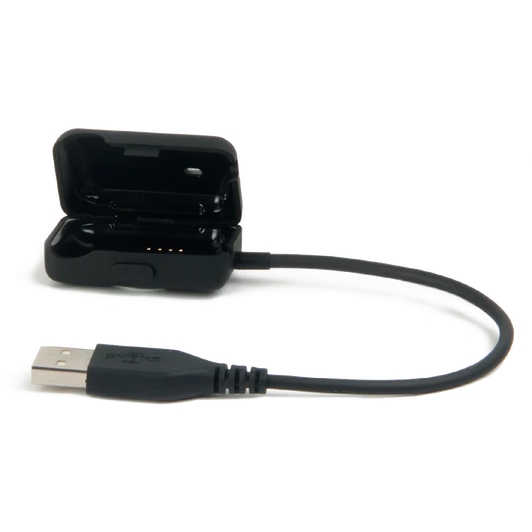
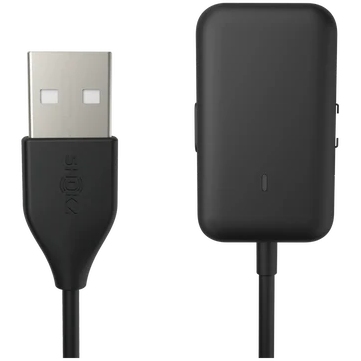
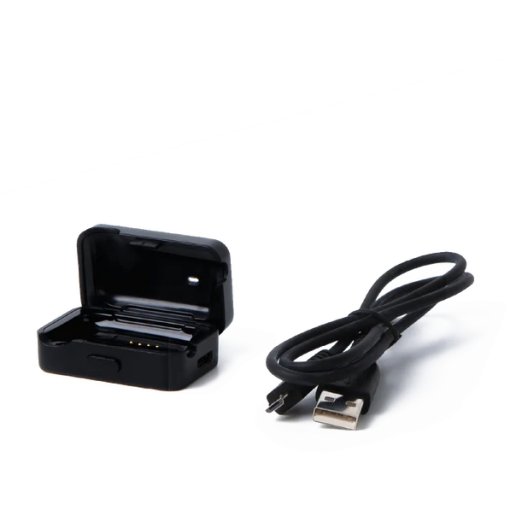
Shokz Charging/Data Cable for OpenSwim - Black
Shokz Charging/Data Cable for OpenSwim - Black Charging/data cable for use with Openswim headphones. Cable length: 0.25 m. How to connect Your OPENSWIM (XTRAINERZ) to the charging cradle? A. Open the USB Charging Cradle. B. Attach the OPENSWIM(XTRAINERZ) to the USB Charging Cradle. Make sure that the Pogo Pins of the OPENSWIM(XTRAINERZ )and the Terminals of the USB Charging Cradle are in contact with each other. C. Close the USB Charging Cradle until it securely snaps. How To Charge Your OpenSwim (Xtrainerz)? Attach the OPENSWIM(XTRAINERZ) to the USB Charging Cradle. Connect the USB Charging Cradle to a computer or a USB wall charger. The LED indicator turns red when charging starts and turns blue when charging is complete.
Product Information
Product Information
Shipping & Returns
Shipping & Returns